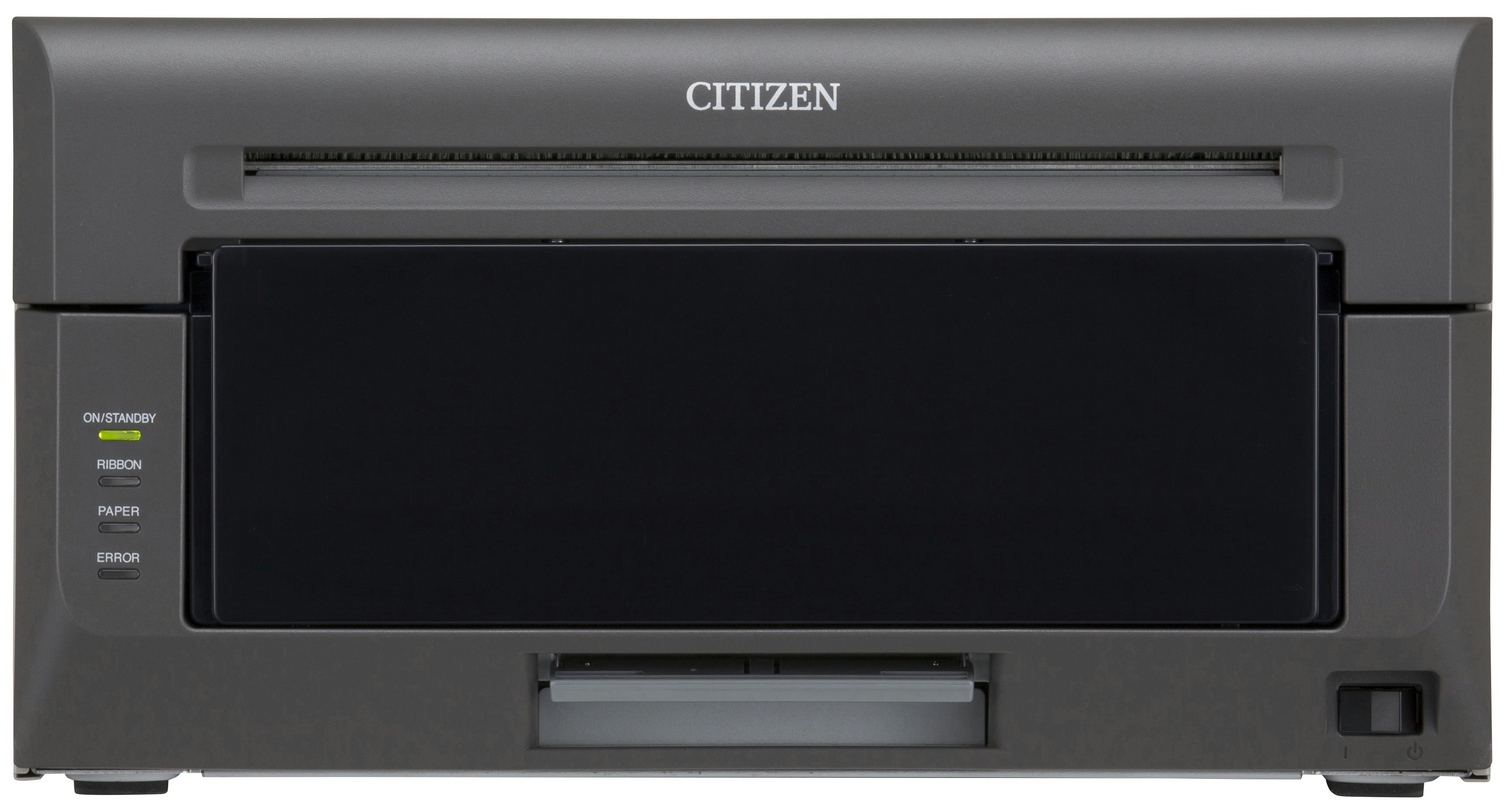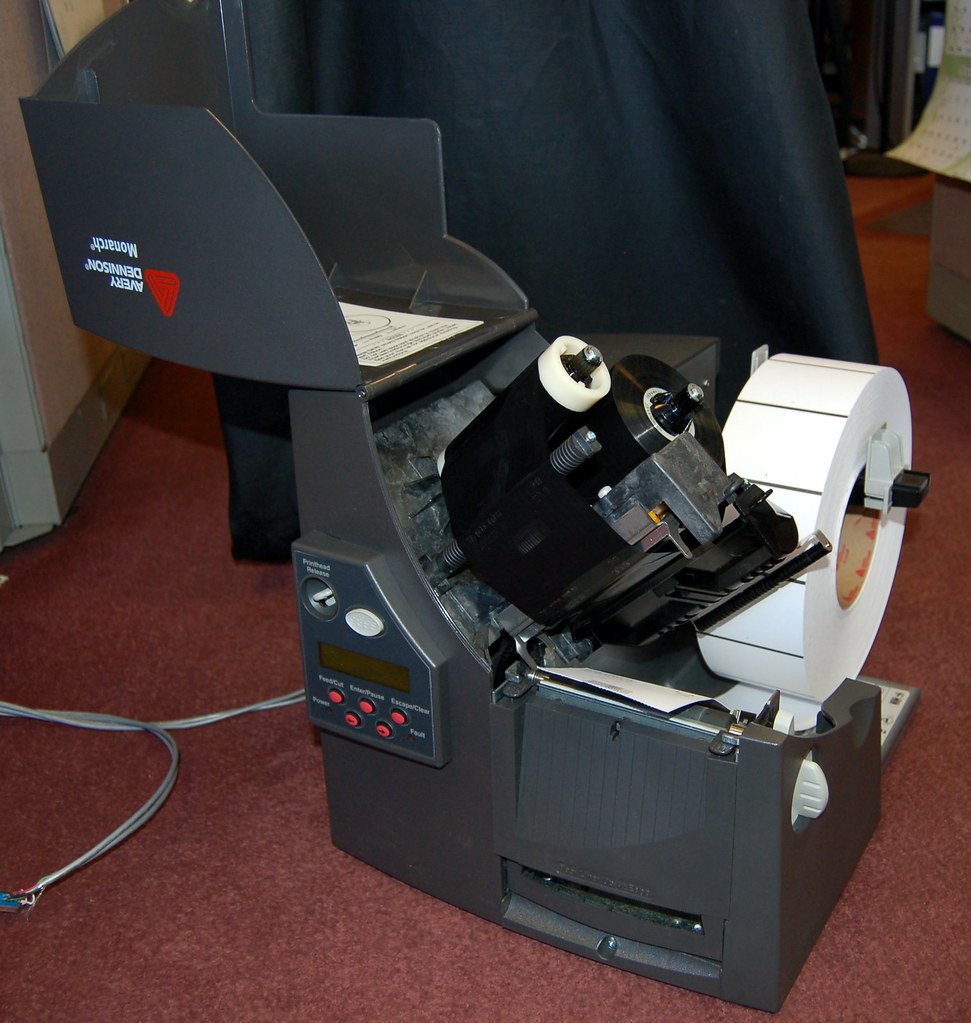

In today’s fast-paced commercial landscape, efficiency is everything. Whether you run a bustling e-commerce warehouse, a retail storefront, or a healthcare clinic, tracking inventory accurately can make or break your operations. This is where high-quality barcode printers come into play.
Investing in a dedicated label printing solution eliminates the errors of manual data entry and drastically speeds up shipping, receiving, and asset management. But with so many options on the market, how do you choose the right one? Let’s break down everything you need to know.
Understanding the Two Main Thermal Printing Technologies
Most modern label machines rely on thermal printing technology, which eliminates the need for messy ink cartridges or toners. However, they fall into two distinct categories:
1. Direct Thermal Printers
Direct thermal printing uses chemically treated, heat-sensitive media that blackens when it passes under the thermal printhead.
-
Pros: Simple to use, no ribbon required, lower cost per label.
-
Best For: Short-term applications like shipping labels, picking slips, and receipts.
-
Limitation: The labels are sensitive to heat, light, and abrasion, meaning they can fade over time.
2. Thermal Transfer Printers
Thermal transfer printing utilizes a heated ribbon to melt a wax or resin-based ink onto the label material.
-
Pros: Extremely durable, sharp print quality, and resistant to moisture, chemicals, and extreme temperatures.
-
Best For: Product labeling, asset tracking, outdoor tags, and long-term archiving.
Choosing the Right Printer Size for Your Workflow
Beyond the technology, you need to match the hardware build to your daily printing volume.
-
Desktop Barcode Printers: Compact and budget-friendly, these are ideal for businesses printing fewer than 1,000 labels per day. They fit perfectly on a retail desk or small office shipping station.
-
Industrial Barcode Printers: Built with rugged metal frames, these heavy-duty machines are engineered for 24/7 high-volume printing in harsh warehouse environments.
-
Mobile Printers: Lightweight and wireless, these allow workers to print barcodes on the go, making them perfect for price markdown audits or inventory line-busting.
Key Factors to Consider Before Buying
Before making your final choice, keep these three essential specifications in mind:
-
Print Resolution (DPI): Most standard applications require 203 DPI. However, if you need to print tiny barcodes on electronics, jewelry tags, or high-density medical vials, opt for 300 or 600 DPI for crisp readability.
-
Connectivity Options: Ensure the device integrates smoothly with your current setup. Look for options offering USB, Ethernet, Wi-Fi, or Bluetooth connectivity.
-
Media Width: Determine the maximum label size you need. A standard shipping label is 4×6 inches, so your device must support at least a 4-inch print width.
Streamline Your Labeling Operations with Barcodly
Choosing the right hardware doesn’t have to be overwhelming. At Barcodly, we specialize in providing top-tier barcode printers, software, and media supplies tailored to your unique business demands. From plug-and-play desktop models to high-capacity industrial workhorses, we help you find the exact tools needed to boost accuracy and accelerate your workflow.
Ready to upgrade your inventory management? Explore our curated selection of industry-leading printing hardware and find the perfect fit for your business infrastructure today.
© barcodly.com- All rights reserved